


You don’t need to send your thoughts to someone else’s server to use AI. With new.space, you can run a powerful AI model right on your iPhone – completely offline if you want – and it’s free.
I want to show you what local AI in new.space can actually do today, because I think a lot of people don’t realize how capable it’s gotten.
Get a model on your device
First things first: tap on your avatar, then AI, then Local models. The Qwen models are the best performers on Apple devices right now. Download one, and you’re ready to go. That’s it. No API key, no subscription needed for local models – they’re free and unlimited.
Ask about what’s happening right now
Here’s something that surprises people: local AI in new.space can search the web. And when it does, that search runs on your device, from your internet connection. The query never touches our servers.
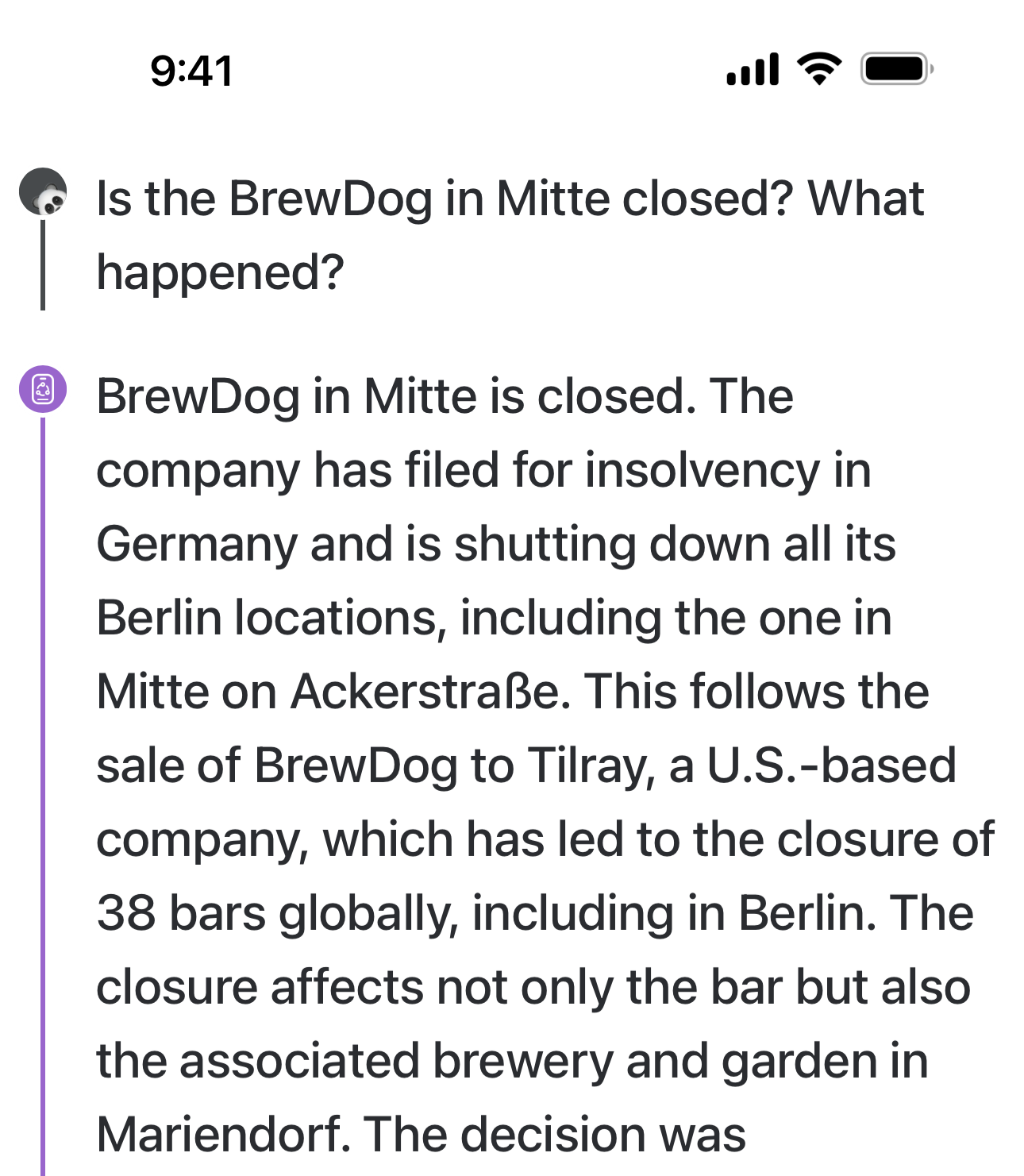
I tried this out the other day with something happening here in Berlin. BrewDog – the Scottish craft beer chain – just filed for insolvency in Germany. Their bars in Berlin and Hamburg are closing, and the brewery in Mariendorf is shutting down. I asked the local model about it in a Brainstorm, and it pulled in the details and gave me a solid summary.
That’s a real, breaking local news story, answered by an AI running entirely on my phone. Pretty wild.
Work with sensitive documents, privately
This is where local AI really shines. Add some documents to a space – financial statements, health records, tax paperwork, whatever you’d normally be nervous about sharing with an AI service – and ask questions about them. Summarize this. What’s the total here. Compare these two.
All of that processing happens on your device. The content in your spaces is end-to-end encrypted, and, when you’re using a local model, nothing unencrypted ever leaves your phone. We literally can’t see what you’re doing in your spaces, and we don’t want to.
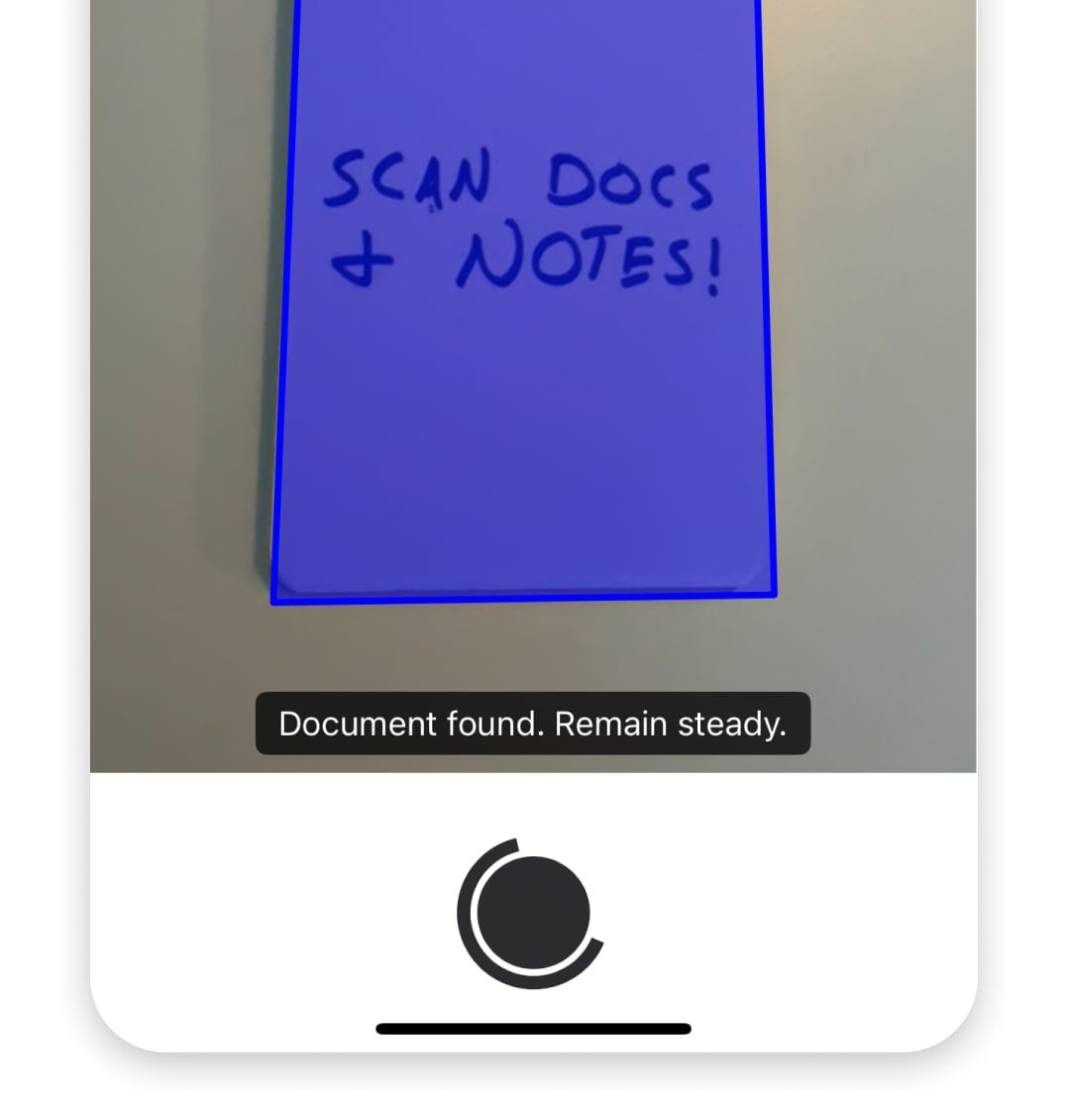
Use the built-in document scanner to get going.
Translate, learn, practice
Use a local Brainstorm to translate between languages. Paste in a paragraph and ask for a translation. Or, if you’re learning a language, have the AI grade your homework or quiz you on vocabulary. It’s a patient tutor that happens to live on your phone and doesn’t report your mistakes to anyone.
Draft responses on-device
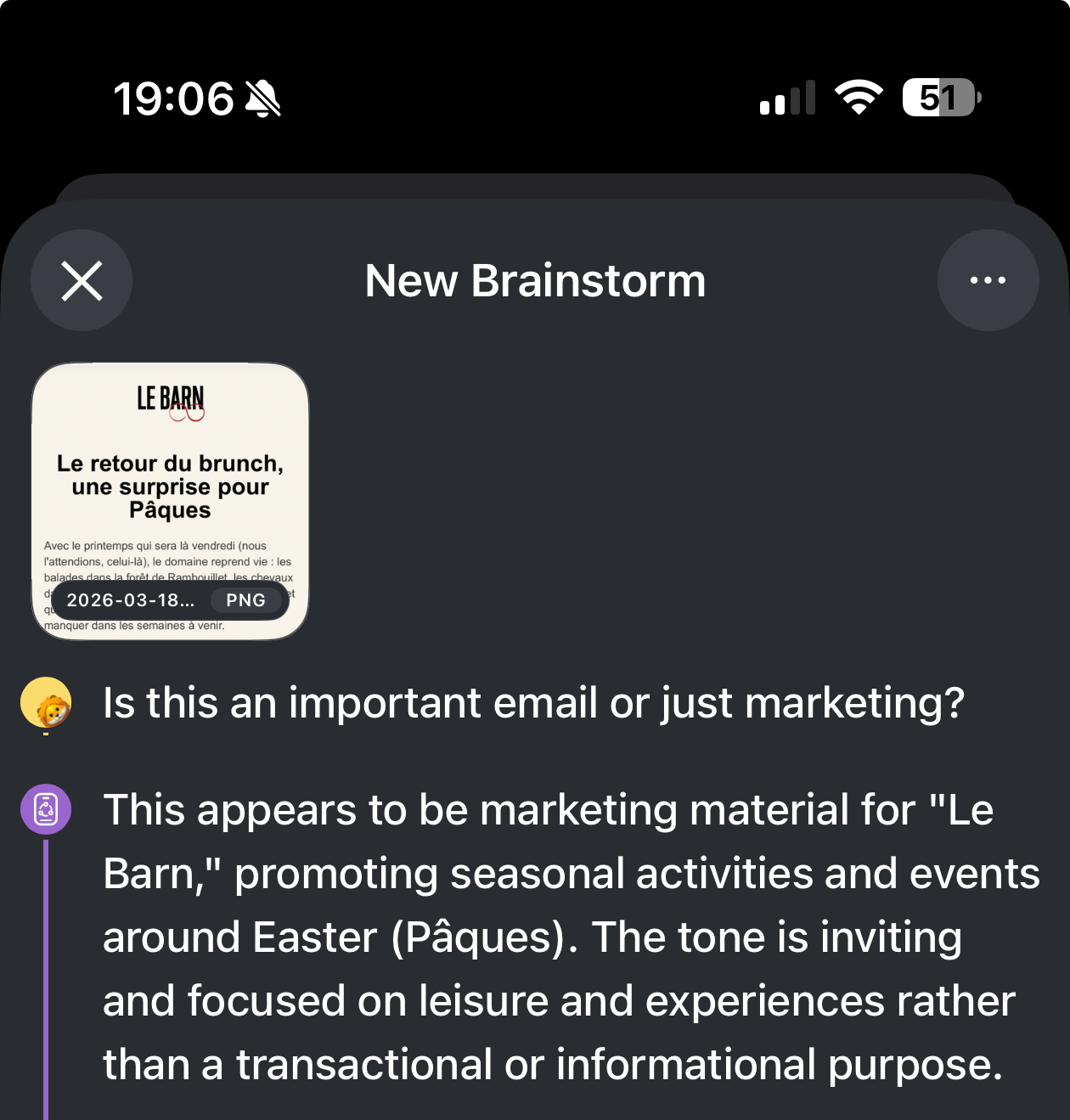
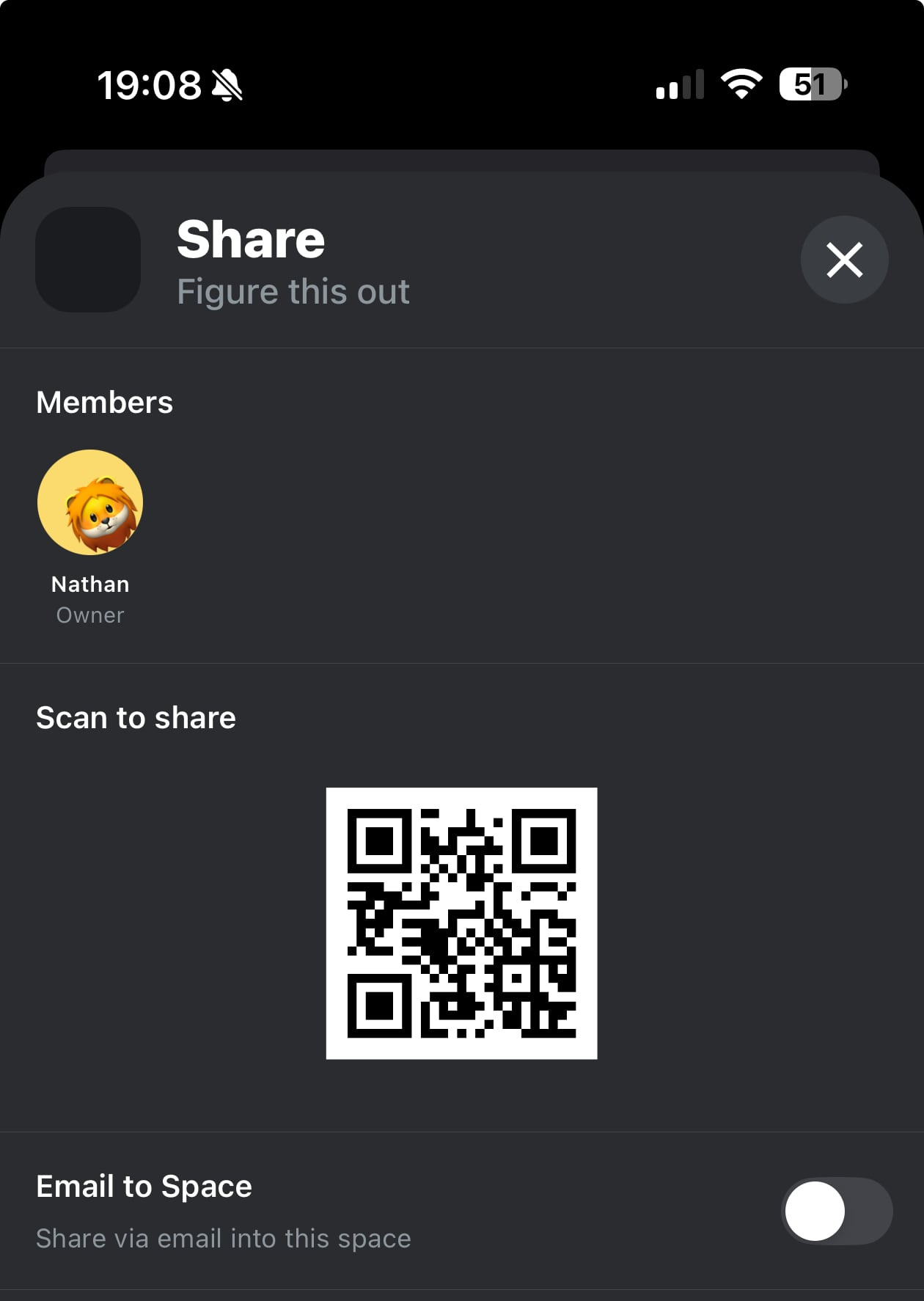
Got an important email to respond to? turn on “Email to Space”, forward it in, and then start a Brainstorm and ask for help drafting a reply. The email contents and the proposed draft are processed by AI entirely on your device. No cloud, no third party, just you and your phone working it out.
Same capabilities, your choice of model
One thing I want to be clear about: our Brainstorms in new.space offer the same capabilities whether you’re using a cloud model or a local one. Web search, document context, everything. And as we add more agentic capabilities this year, those will always work for both local and cloud models. We’re committed to making sure privacy-first AI isn’t a second-class experience.
What do you want to see?
We’re building new.space to be the best place to use AI safely and privately – with great models, in the cloud and locally on your devices. What AI capabilities do you wish were in new.space? Let me know. I read everything, and your ideas shape what we build next.
Happy sharing,
Nathan